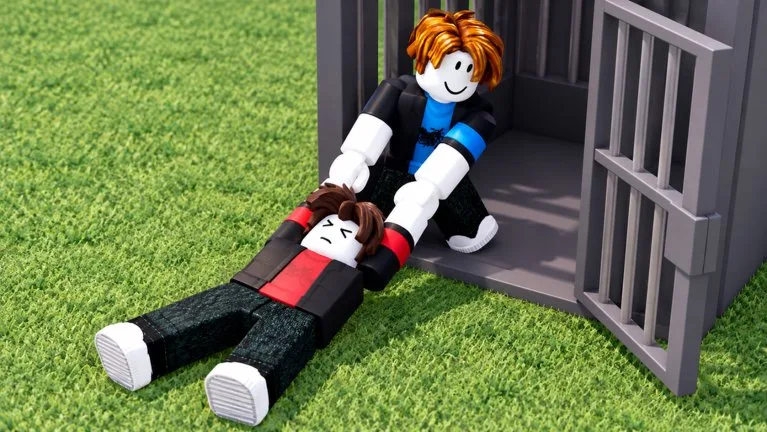
Holding a capture means answering damaged bars while an ally watches people approaching the cage. A defender who only stares at the wall in front of them can miss an opening on another side.
Repair deserves attention right after a delivery, especially when prisoners and outside attackers work the same section. If every defender leaves to chase, prisoners can keep damaging the bars without interruption.
Read the cage before you pick a wall
Walk far enough around the jail to see which sections are damaged and where prisoners are hitting. Compare the health trend. The weakest-looking wall is not automatically the only threat.
Use the repair interaction the game is showing and confirm that the section's health responds. Do not substitute the Carry key or an ability button for repair.
| Condition | Priority |
|---|---|
| One section is losing health steadily | Repair it and watch the attackers |
| Another wall starts taking damage | Call that threat before everyone stays on the first wall |
| A rescuer reaches the outside | Have an ally pressure them while repair continues |
| A fresh prisoner arrives | Recheck the cage |
| Bars recover and nobody is attacking | Leave someone aware of the jail and let others move out |
Split repair and interception
One teammate can hold the threatened section while another watches the approach. The outside defender should meet rescuers before they join the prisoners on the bars.
"Other side is breaking" gives a location. Saying only "repair" can pull more players onto a wall that is already covered. Do not send the whole defense group after a fleeing rescuer while prisoners are still hitting the cage.
Read Lockdown, then keep watching
The base can display a Jail Lockdown pad and a countdown. Inspect the current control and timer before you use it. Continue repairs and watch rescue pressure afterward. A countdown is not a reason to assume every bar became invulnerable or that the round is already won. Judge the cage by its condition and wait for the real round-end indication.
As time runs low, confirm your prisoners are secure before you leave for a long chase. If another ally is carrying someone home, cover the entrance while the repairer stays on the threatened section.
If someone escaped, ask which stage you missed: an unattended wall, a target change, an outside rescuer, or the whole team walking away after a delivery. More people on one wall do not fix a second unobserved wall. Extra jail HP also does not replace watching where the damage is landing.